Further information and problem shooting link to follow
To find and listen to the STREET! poetry you have to (1) download the SatsymphQR app to your phone, then scan in ‘street’: see below
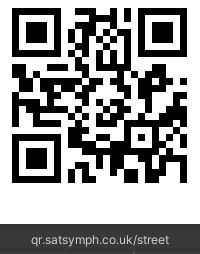
Download the SatsymphQR app by scanning the QR code left (free to download, free to use). Select iPhone or Android depending on your make of mobile phone.
Open SatsymphQR and use the SCAN BUTTON in the app to scan the same QR code again. You MUST use the SCAN button in the app, not any other means of scanning!
This puts ‘street’ into ‘Library’. Go to any of the 12 participating libraries and open SatsymphQR. Open ‘Library’ and click on ‘street’. You will see a floating map with the soundpool. Moving into the soundpool triggers the audio.
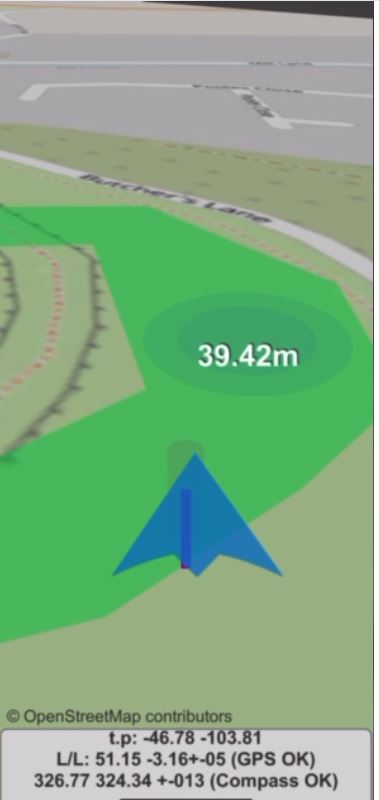
temporary illustration for demo purposes only
This is what you will see on your screen. I am the blue arrow. It points the direction I am heading. The coloured blob is ‘a soundpool’. containing the poems. When I move into the soundpool, the poetry is triggered by my phone’s gps. Play with it, see what happens when you go out of the soundpool, then back in again!
 Ralph Hoyte